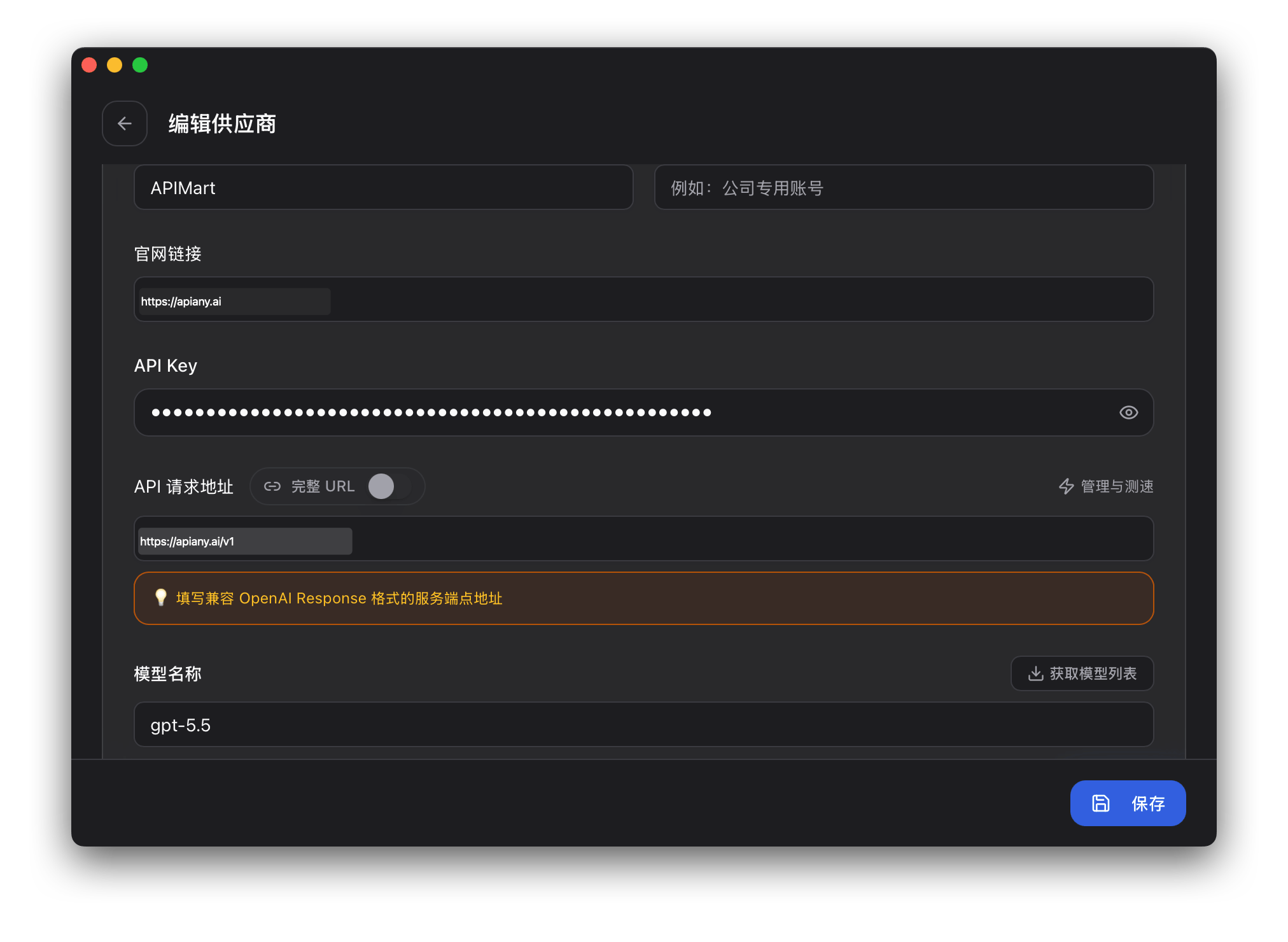
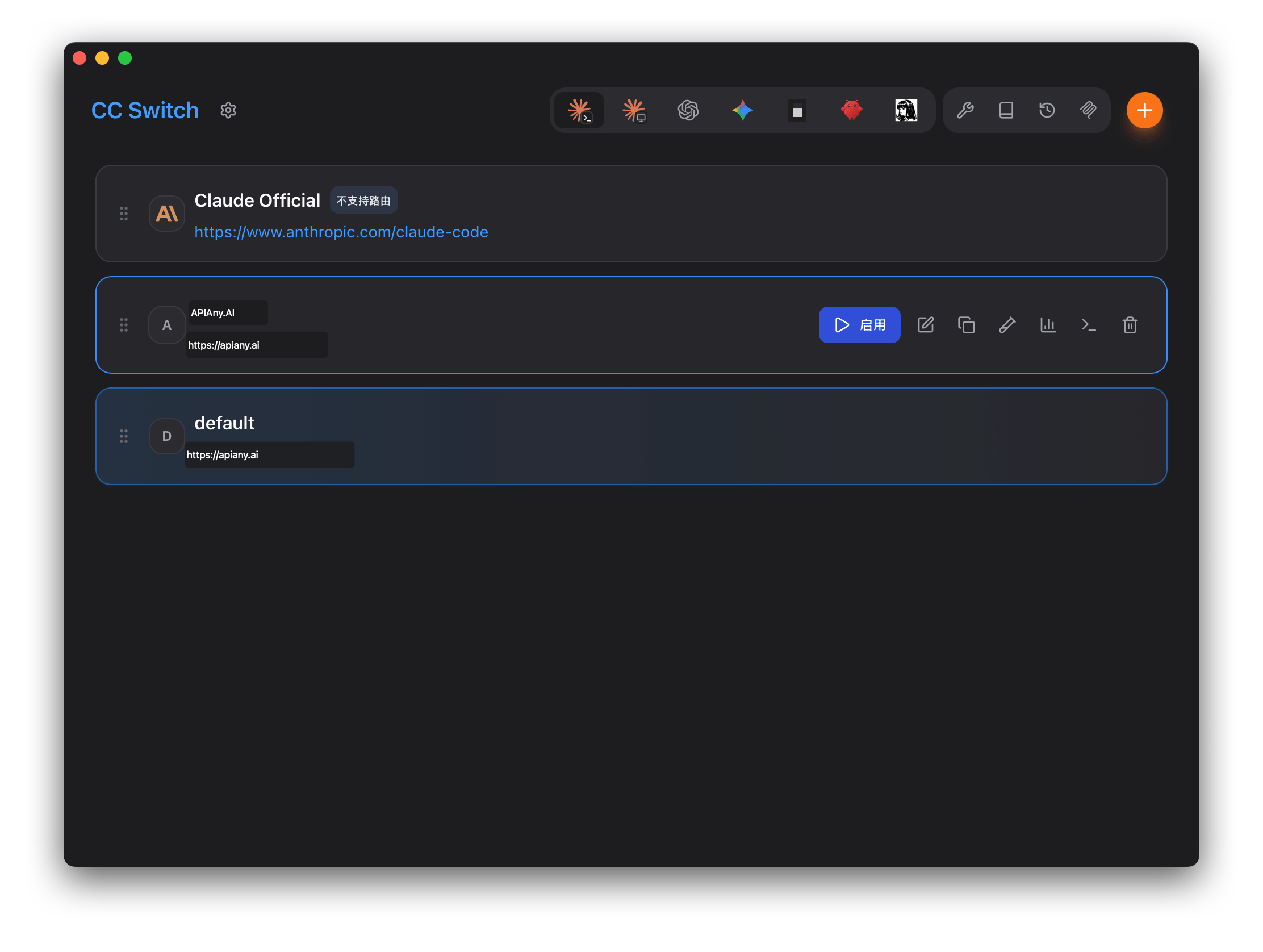
CC-Switch can connect to APIAny.AI through environment variables or local configuration files. It is useful for terminal, editor, and automated development workflows.

Prerequisites

  • CC-Switch is installed.
  • You have created an API key in the APIAny.AI dashboard.
  • You have selected a model ID.

Configure Claude Code

In CC-Switch, switch to Claude Code, add a configuration, and enter:
FieldValue
NameAPIAny.AI
Endpoint URLhttps://apiany.ai
API Keysk-xxxxxxxxxxxx
API FormatAnthropic Messages

Configure Codex

Fill auth.json with:
{
  "OPENAI_API_KEY": "sk-xxxxxxxxxxxx"
}
Then fill config.toml with:
model = "gpt-5.5"
model_provider = "apiany"

[model_providers.apiany]
name = "APIAny.AI"
base_url = "https://apiany.ai/v1"
wire_api = "responses"
requires_openai_auth = true
Save the configuration and enable APIAny.AI in CC-Switch.
Model IDBest for
gpt-5.5Best first choice for complex reasoning, coding, and production workflows.
gpt-5.4Strong general-purpose model for advanced chat and agent tasks.
gpt-5.4-miniBalanced speed, quality, and cost for everyday usage.
gpt-4o-miniFast and economical choice for simple chat, translation, and lightweight tasks.
claude-sonnet-4-6Claude-compatible model ID for long-form writing and coding workflows.
gemini-3.5-flashGemini-compatible model ID for fast multimodal usage.

Walkthrough screenshots

The screenshots below show the key configuration screens in CC-Switch. API names and endpoints have been adjusted for APIAny.AI.

Step 1

CC-Switch setup screenshot 1

Step 2

CC-Switch setup screenshot 2

Troubleshooting

401 or authentication errors

Make sure the API key is copied completely, has no extra spaces, and is enabled in the APIAny.AI dashboard.

The model does not appear in the app

Enter the model ID manually and confirm it is available in the model catalog. Some tools do not fetch model lists automatically.

Which Base URL should I use?

OpenAI-compatible settings usually use https://apiany.ai/v1; Claude-compatible settings usually use https://apiany.ai; tools that ask for a full endpoint use https://apiany.ai/v1/chat/completions.