

Prerequisites
- Cline is installed.
- You have created an API key in the APIAny.AI dashboard.
- You have selected a model ID, such as
gpt-5.4-miniorgpt-4o-mini.
Configuration values
Setup
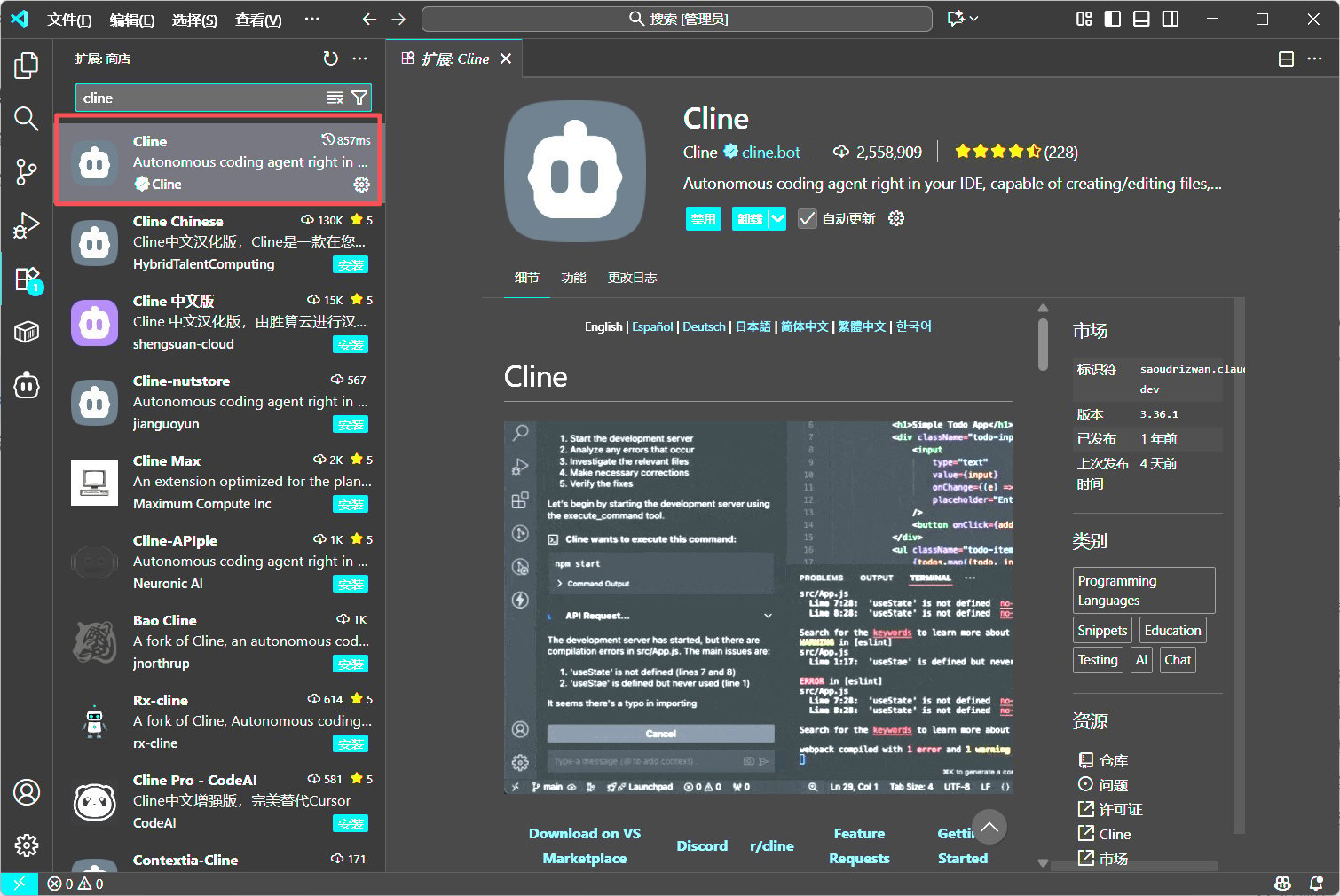
- Install and open Cline in VS Code.
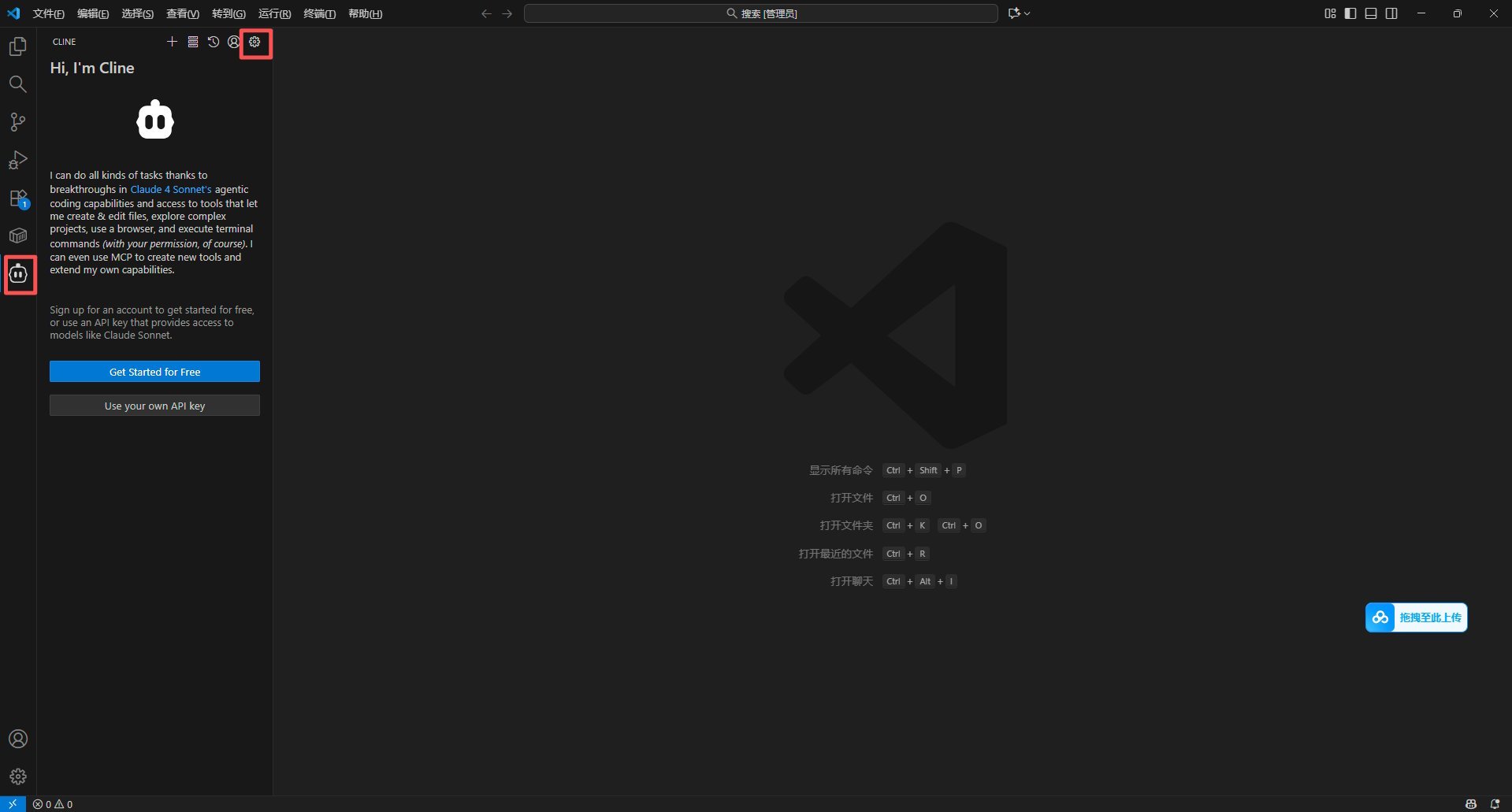
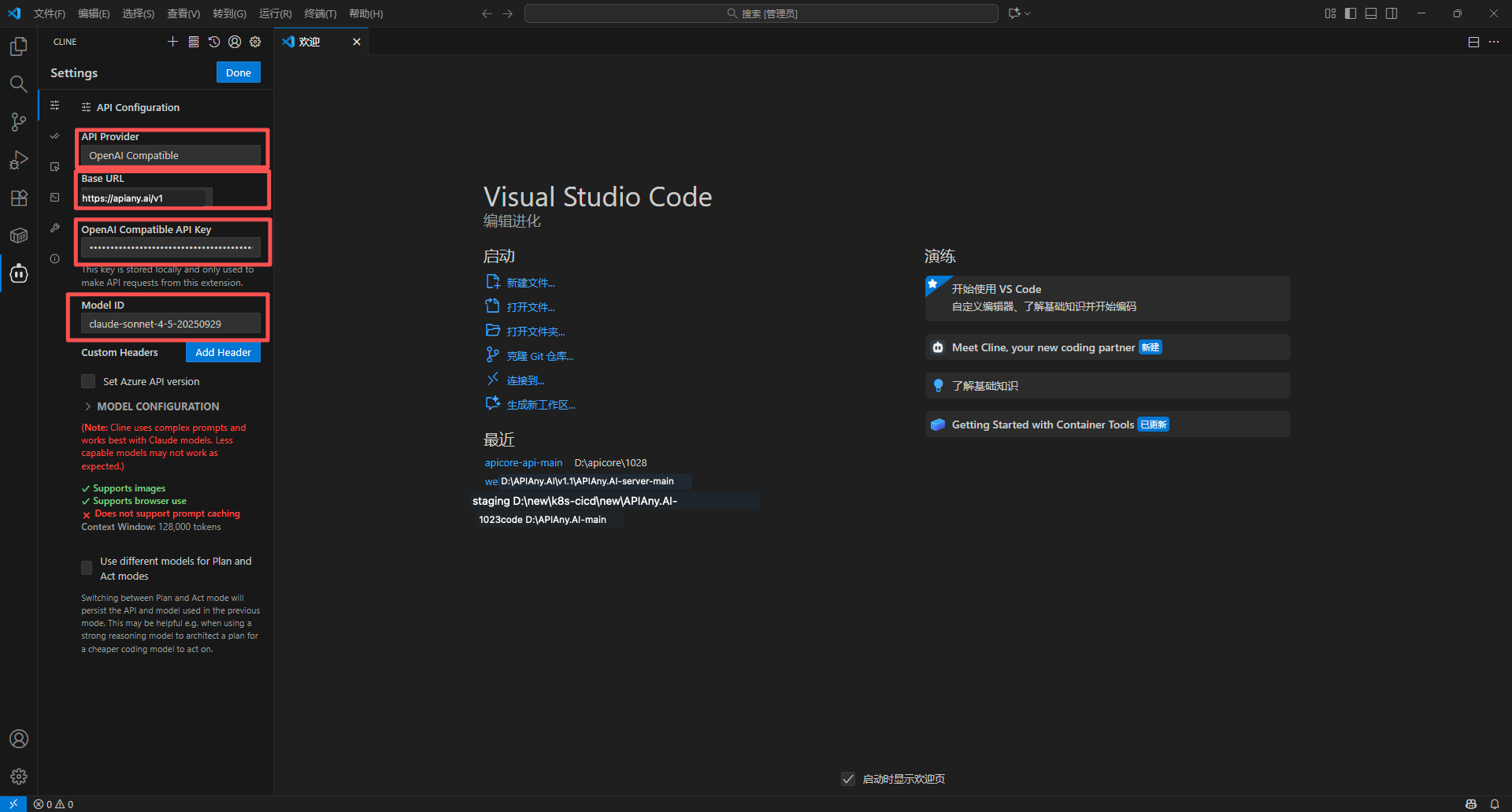
- Open Cline settings and choose OpenAI Compatible.
- Enter the Base URL, API key, and model ID.
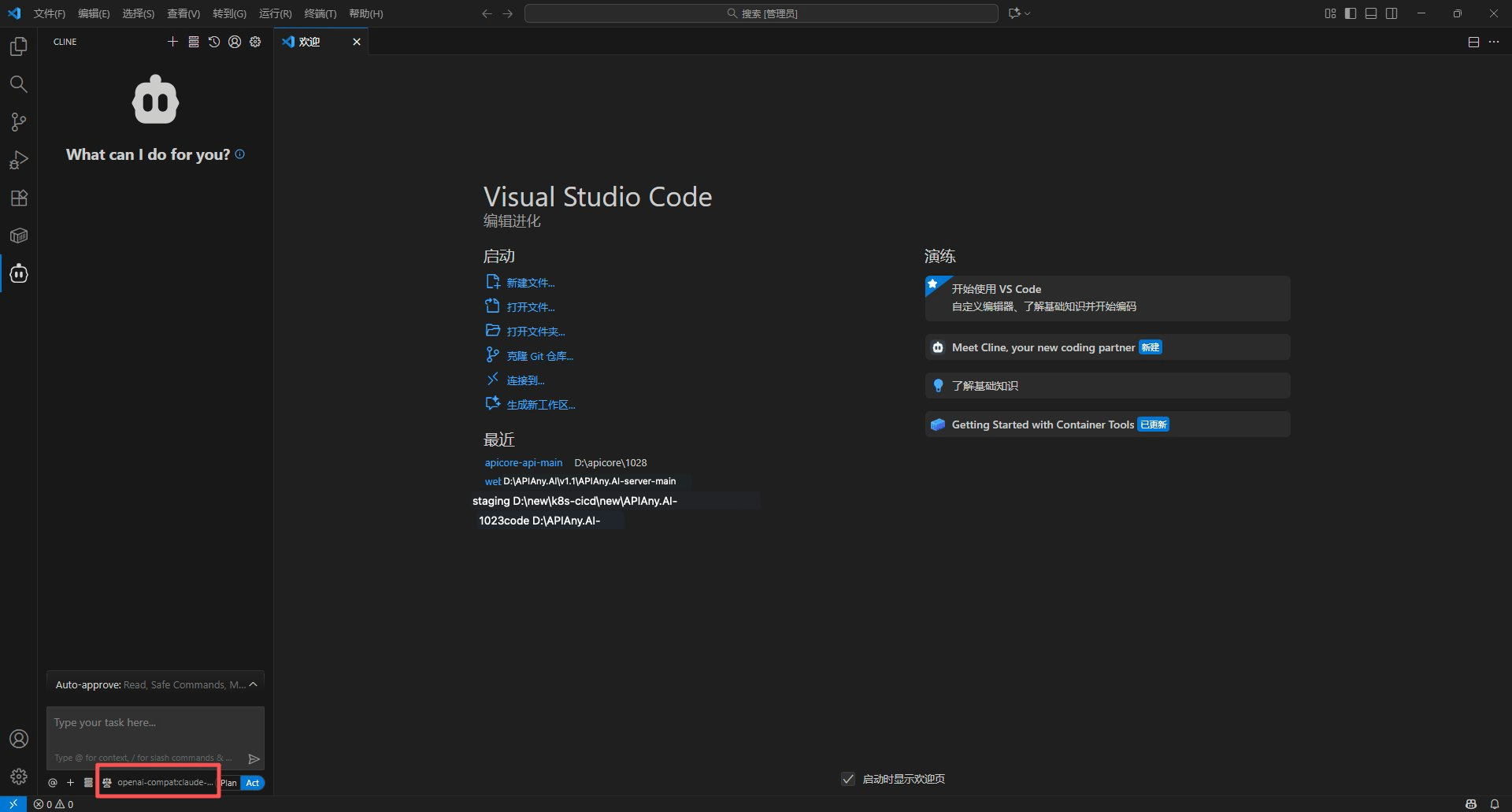
- Save and ask Cline to run a small coding task to verify the connection.
Recommended models
Walkthrough screenshots
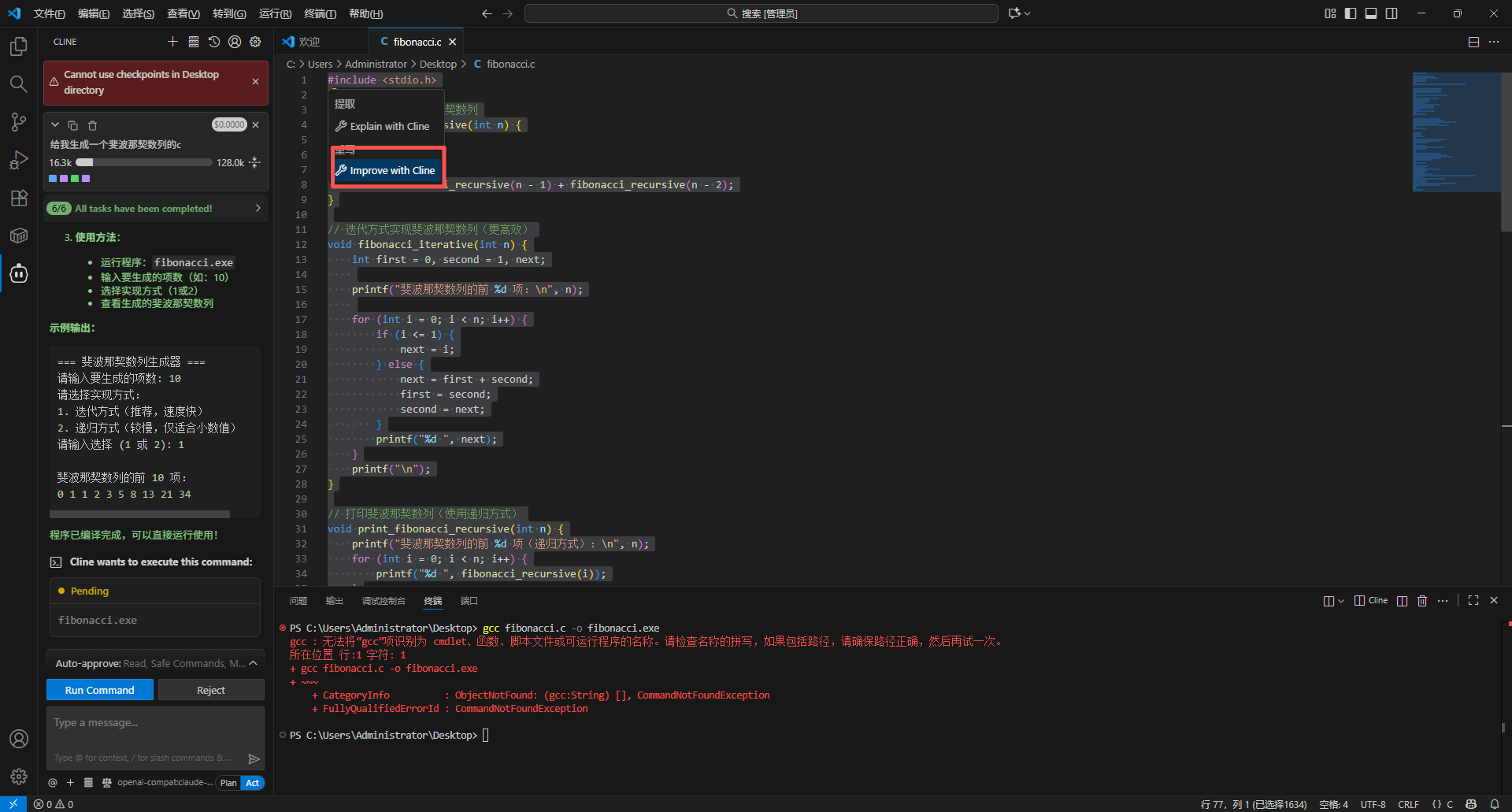
The screenshots below show the key configuration screens in Cline. API names and endpoints have been adjusted for APIAny.AI.Step 1
Step 2
Step 3
Step 4
Step 5
Troubleshooting
401 or authentication errors
Make sure the API key is copied completely, has no extra spaces, and is enabled in the APIAny.AI dashboard.The model does not appear in the app
Enter the model ID manually and confirm it is available in the model catalog. Some tools do not fetch model lists automatically.Which Base URL should I use?
OpenAI-compatible settings usually usehttps://apiany.ai/v1; Claude-compatible settings usually use https://apiany.ai; tools that ask for a full endpoint use https://apiany.ai/v1/chat/completions.